Documentation
Welcome to the StageTick documentation. Here you will find everything you need to set up, configure, and run professional stage timers for your events.
What is StageTick?
StageTick is a real-time stage timer application that keeps speakers on schedule and your production team in sync. Create countdown timers, share them across unlimited devices, and control everything from a single operator view — no software installation required.
Quick Start
- Create an account — sign up at app.stagetick.io with your email or Google account.
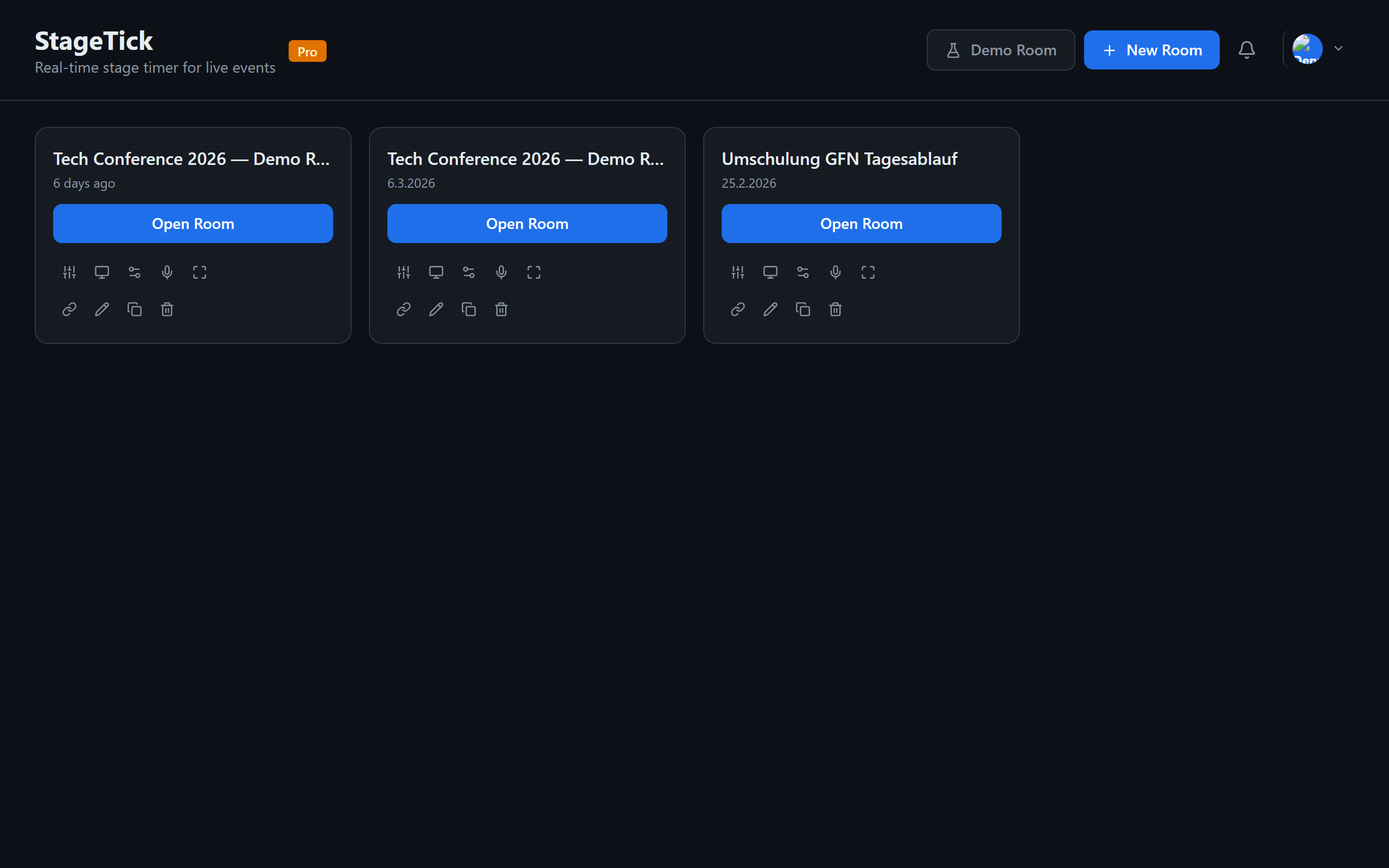
- Create a room — from the dashboard, click New Room and give it a name.
- Add timers — set up countdown timers for each segment of your show.
- Share the link — send the room URL to your team. They open it in any browser and are instantly connected.
Key Concepts
Room
A room is your workspace for a single event or show. It contains all timers, messages, and settings. Each room has a unique URL you share with your team.
Timer
A timer represents one segment of your show — a speaker slot, a break, a transition. Each timer has a duration, display mode, and trigger configuration.
Transport
The transport is the playback engine. It tracks which timer is active, whether it is running or paused, and the current elapsed time. All connected devices share the same transport state.
Output View
An output view is a purpose-built interface for a specific role: operator (full control), moderator (Q&A + timer), viewer (clean countdown), or fullscreen (projector display).
Connection
Every open browser tab connected to a room is a connection. StageTick tracks connections in real time so you know exactly who is watching.
Explore the Docs
Creating a Room
Set up your first room and configure its settings.
System Requirements
Browsers, devices, and network requirements.
Managing Timers
Create, edit, and organize your timers.
Timer Triggers
Auto-start timers with triggers and sequencing.
Display Modes
Countdown, count up, time of day, and more.
Time Adjustments
Adjust timers on the fly during your show.