Conference Timer App That Keeps Every Session on Track
Multi-track conferences fall apart when sessions run over. StageTick gives your speakers a visible countdown and your crew a shared clock -- all synced in real time, no app install needed.
The Challenge with Conference Timing
Running a multi-session conference means juggling dozens of moving parts. Timing failures cascade.
Sessions run over
One keynote running 10 minutes late pushes every subsequent session off schedule across all tracks.
No speaker visibility
Speakers on stage can't see how much time they have left. Holding up a card from the back row doesn't cut it.
Crew out of sync
AV techs, stage managers, and moderators each running their own stopwatch -- none of them agree on the time.
Complex rundowns
Conferences have dozens of back-to-back timers. Manually managing each one is error-prone and stressful.
How StageTick Helps
One shared room, every screen synced. Your entire conference crew on the same clock.
Synced countdown on every screen
Speakers see the countdown on a confidence monitor. The crew sees it on their phones. The audience sees it on stage displays. All screens count from the same server-synced start point.
Auto-advance through your rundown
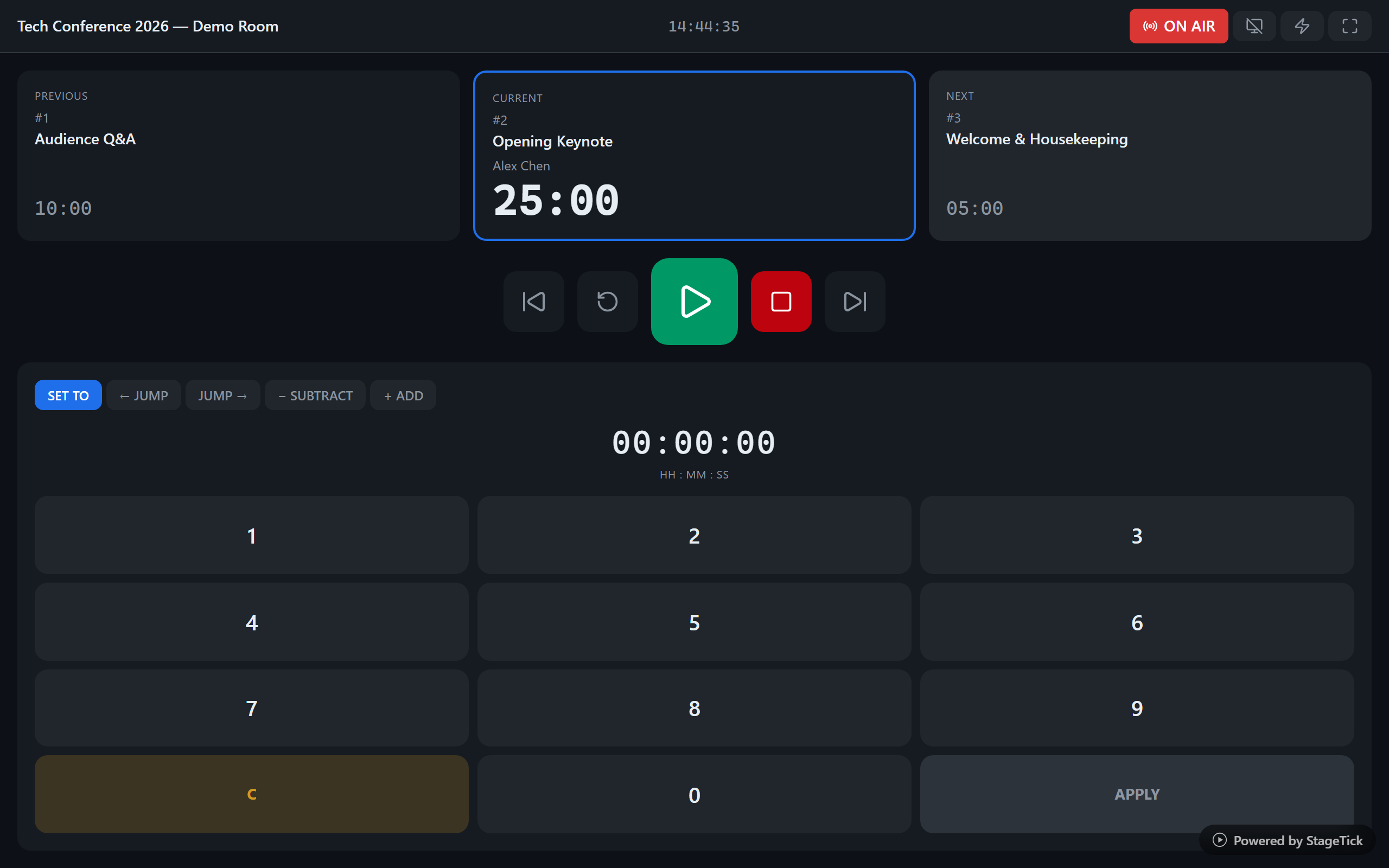
Set up all your session timers in sequence. When one ends, the next starts automatically.
Audio cues for phase transitions
Choose from 5 sound presets per timer. When time enters wrap-up, danger, or overtime, an audio cue plays through the device speaker -- so speakers hear it even when they're not watching the screen.
Cue messages to speakers
Send "5 minutes left", "Wrap up", or custom cues directly to the speaker's confidence monitor. No more running to the stage with a card.
Live Q&A collection
On Pro, collect audience questions during sessions via QR code. The moderator puts one question at a time live on the stage display for the speaker to address.
How It Works
Create your conference room
Sign up and create a room for your conference. Add timers for each session, keynote, and break.
Set up your timer rundown
Configure durations, warning thresholds, and auto-advance.
Share the link with your crew
Share the output links with your crew – stage screens open in the browser without login. Whoever runs the show needs a team login (Free: owner only, Pro: up to 10 people).
Ready to keep your conference on schedule?
Start free with up to 5 devices per room – Pro covers 25 devices per room. Every open StageTick view counts as a device, including your Controller tab.