Broadcast Timer for Studio-Grade Show Control
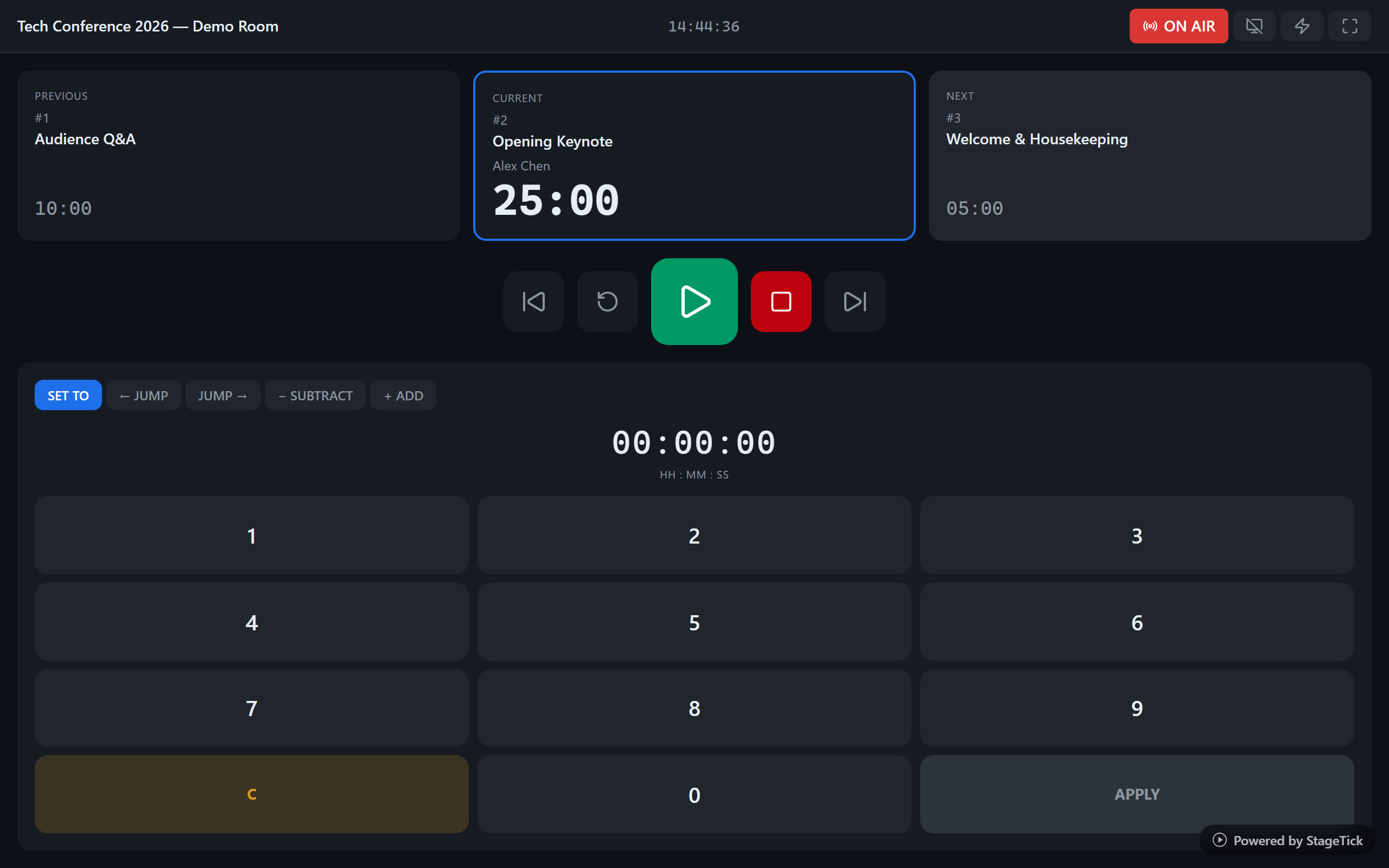
Live broadcasts demand precise timing. StageTick syncs your on-air countdown across the talent monitor, director's desk, and control room -- all from a browser, no hardware box needed.
The Challenge with Broadcast Timing
Broadcasts operate on hard deadlines. A segment running 30 seconds over can derail the entire show rundown.
Hard commercial breaks
Advertising slots are fixed. If the segment before a break runs long, either content gets cut or sponsors lose airtime.
Large crew coordination
Floor director, camera operators, audio engineer, graphics operator -- everyone needs to know the countdown to the next segment change.
Expensive hardware timers
Professional broadcast timers cost thousands per display. Adding more screens to the studio means buying more hardware boxes.
Remote production
Modern broadcasts often have remote directors or producers. Hardware timers are local to the studio and can't be shared remotely.
How StageTick Helps
Browser-based studio timer: up to 25 devices per room on Pro and 100 on Enterprise – no extra hardware. Every open StageTick view counts as a device, including your Controller tab.
On-air countdown everywhere
Open the fullscreen view on every studio monitor, talent teleprompter, and control room screen. All count from the same server-synced start point, so no drift builds up.
Audio cues at phase transitions
Set a sound preset per timer so the control room hears an audible cue at wrap-up, danger, and overtime. Five presets available. Global mute toggle keeps things quiet during sound checks.
Cue the talent
Send "Wrap up", "30 seconds to break", or custom cues directly to the talent monitor. The floor director doesn't need to wave hand signals from off-camera.
Full show rundown
Program your entire show: segments, commercial breaks, bumpers. Auto-advance keeps the show moving at broadcast pace.
Remote director access
Directors and producers working remotely see the same timer as the in-studio crew. Controlling it needs a team login (Free: owner only, Pro: up to 10 people). One shared room, any location.
How It Works
Create your show room
Sign up and create a room for your broadcast. Build your rundown timer by timer.
Program your rundown
Set up timers for each segment, break, and bumper. Configure auto-advance and warning thresholds for on-air precision.
Deploy to every screen
Open the fullscreen URL on studio monitors, talent screens, and the control room. The operator controls everything from one device.
Comparing tools?
Ready to upgrade your broadcast timing?
Studio-grade timer, zero hardware cost. Start free in the browser.